


Passwordless authentication is a modern alternative to traditional password-based security measures. Unlike conventional passwords, passwordless authentication lets you verify your identity through something you possess (like your phone or a security token) rather than something you memorize (like a password), which is much more convenient and secure.
If you’re curious about this authentication method and want to implement it on your own website, this article is for you. We’ll cover interesting topics such as:
- What are the benefits and challenges of passwordless authentication?
- Why should you transition away from passwords?
- What are the most common passwordless methods available?
- How do they function?
Let’s start!
Why shift to passwordless? Evaluating benefits and potential challenges
More and more companies are adopting passwordless authentication because of its security advantages and the fact that it makes user interactions more simple and engaging. However, there’s much more to it than that! Let’s take a look.
Key advantages of integrating passwordless authentication
- Convenient for your users: One of the most appealing aspects of passwordless authentication is the elimination of passwords. This change means users no longer need to remember complex combinations or go through the tedious process of resetting forgotten passwords. By offering a more convenient user experience, then you stand to gain an increase in users and even sales. For example, if you have an eCommerce store and your major competitors use traditional passwords, this gives your store an edge.
- More secure: By removing passwords, you significantly reduce the risk of common threats such as phishing, brute-force attacks, and credential theft. Passwordless methods use more secure and unique identifiers, making unauthorized access much harder.
- Better accessibility: Passwordless systems often rely on biometrics or security tokens, making them more accessible to a wider range of users, including those with disabilities or the less technologically inclined. This inclusivity ensures that more individuals can safely and easily access digital services.
- Cost-efficient: Reducing or eliminating password reset inquiries and account recovery operations can save businesses a significant amount of time and money, which can be better spent elsewhere.
- Increased productivity: Streamlined login processes translate into time savings for both users and IT departments. Faster access to services means more time can be devoted to core activities, boosting overall productivity.
Identifying the potential drawbacks in the transition phase
- User resistance: Change can be hard for people, and the shift to passwordless authentication is no exception. Some users may be hesitant to trust or adapt to new technologies, preferring the familiarity of traditional passwords.
- Technical obstacles: Integrating passwordless solutions with existing systems, especially older legacy infrastructures, can present technical challenges. Compatibility and interoperability issues may require significant troubleshooting and adjustments.
- Initial investment: While the long-term benefits of passwordless authentication include cost savings, the initial phase of implementing these technologies might require a notable upfront investment. However, new platforms are making strides in reducing these barriers, offering more accessible passwordless solutions for businesses and website owners.
- Educating users: A successful transition to passwordless authentication also depends on user awareness and education. Organizations must invest in teaching their users about the new systems, ensuring they understand how to use them effectively and securely.
Exploring common passwordless authentication methods
There are many types of user authentication methods, and each one uses a different authentication protocol. We won’t go into these now (you can read more about authentication protocols in our detailed guide) but we will go through the more popular authentication methods.
Email magic links
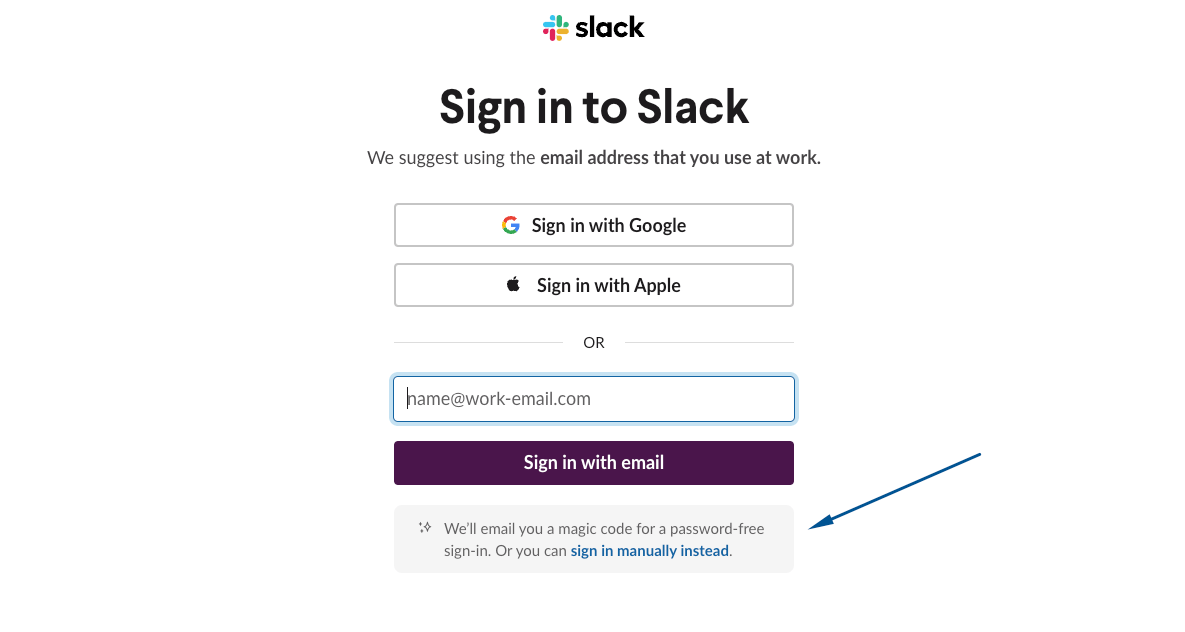
Essentially, a magic link is a unique, one-time-use URL sent to a user’s email address upon request. The user clicks this link to log in directly, bypassing traditional password entry.
This process is not only simple but also enhances security by eliminating the risk of password-related attacks. However, since it relies on the security of the email account, if the user’s email is hacked, the attackers can gain access to every profile on every platform that uses magic links.
One-time passcodes (OTP)
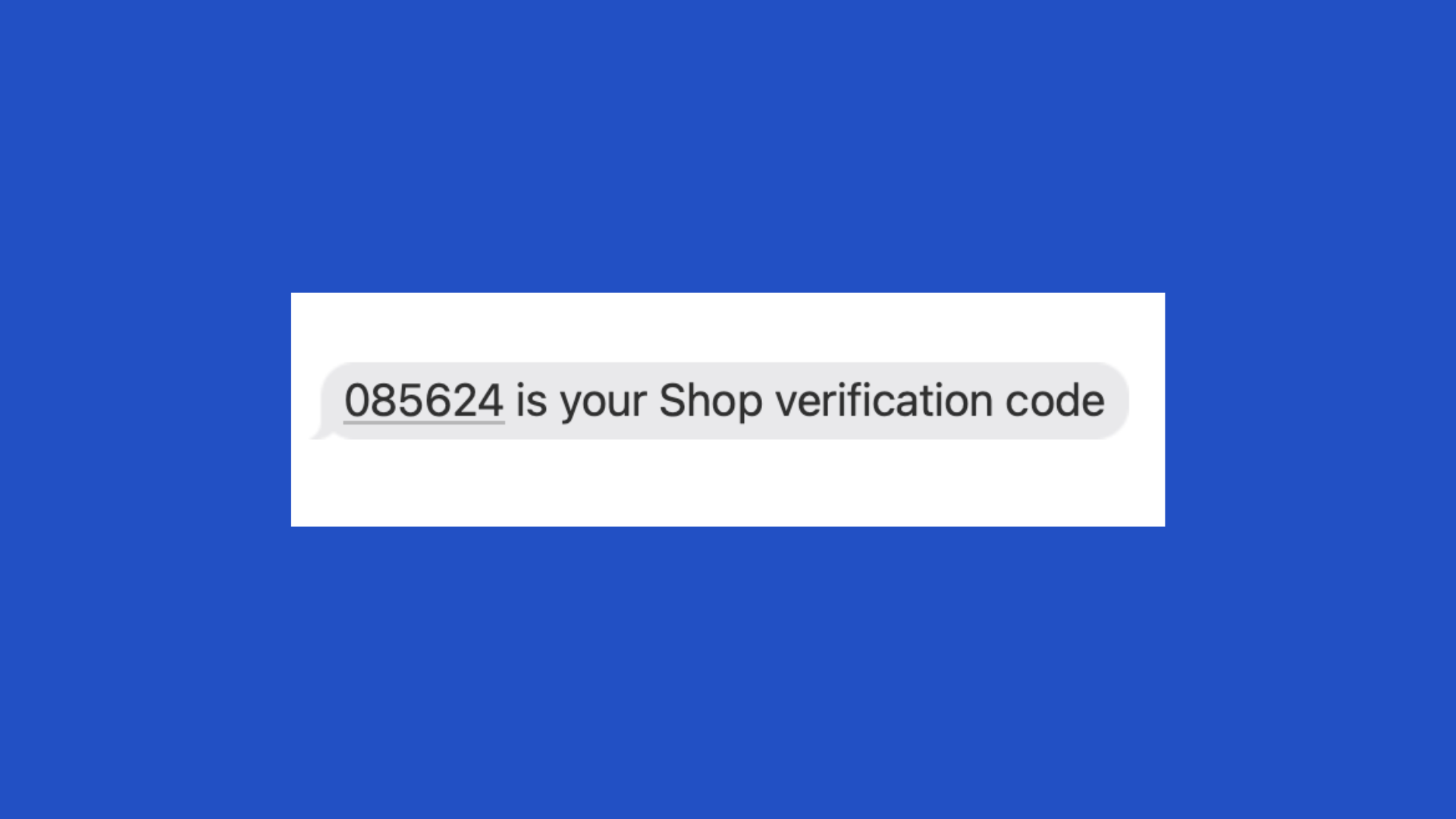
OTPs are temporary codes used for a single login session or transaction, adding an extra layer of security. These codes can be delivered through SMS, email, or authenticator apps, offering flexibility in how users receive them.
While OTPs significantly reduce the risk of unauthorized access, they are still not perfect. For example, SMS-based OTPs can be intercepted through SIM swapping and are still vulnerable to pharming, social engineering attacks, and intelligent phishing.
Social logins

Social logins allow users to access third-party services using their existing social media accounts, like Facebook and X/Twitter. This method is convenient because users do not have to create new passwords for every service.
However, social logins often raise questions about data privacy and the amount of personal information shared with third-party services. Besides, they’re not very inclusive to people without social media accounts or those who don’t want to connect their profiles.
A good alternative for web developers is to integrate their sites and apps with Gravatar, offering users another way to have a consistent online profile across multiple platforms.
Passkeys
Passkeys are a cutting-edge approach based on public-key cryptography. They eliminate the need for users to remember passwords while keeping them safe from phishing attacks, which are constantly increasing.

According to research by StationX, around 36% of all data breaches are phishing attacks, and email impersonation accounts for 1.2% of global email traffic!
With passkeys, however, users authenticate themselves through their own devices, which hold a private key matched with a public key stored on the server. This makes them a very attractive alternative to web developers and agencies that want to give users a more convenient and secure login option.
Biometrics
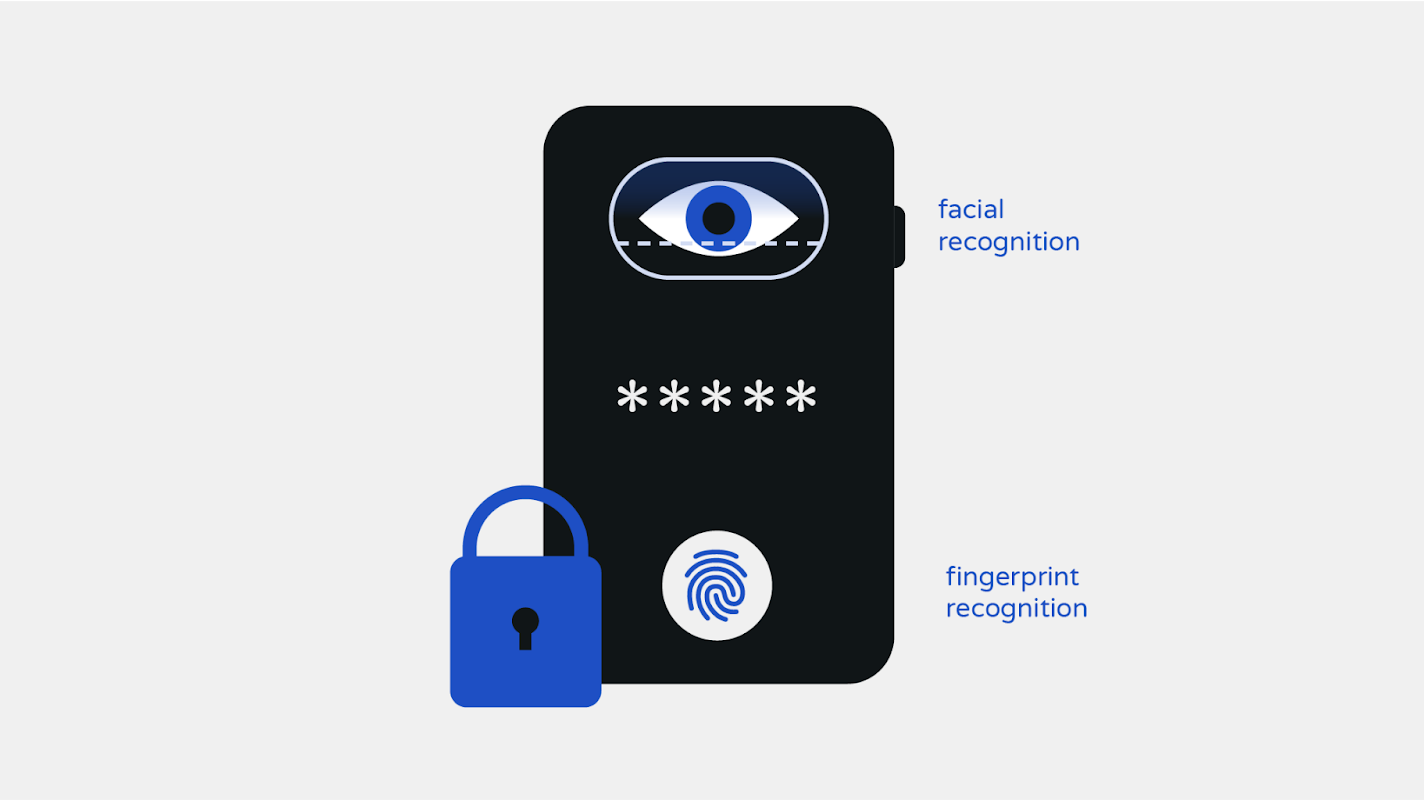
Biometric authentication uses unique physical characteristics, such as fingerprints, facial recognition, or iris scans, to verify identities. This method is also becoming increasingly popular for its ease of use and strong security profile.
It’s widely implemented by Android and Apple smartphones and computers as a way to unlock private data and authorize online payments.

However, it raises important questions about privacy and the security of biometric data, as breaches could have serious implications. Besides that, in recent years, trust in biometric technology has been quickly declining, with 85% of people sharing that they are worried about sharing their personal information with AI tools.

Hardware tokens
Hardware tokens are physical devices used to authenticate a user’s identity, offering an additional security layer resistant to remote attacks. These tokens, which can use USB, NFC, or Bluetooth technologies, are especially useful in sensitive or high-security environments. While highly secure, their physical nature requires users to carry an additional device, which may not be ideal for everyone.
Software tokens
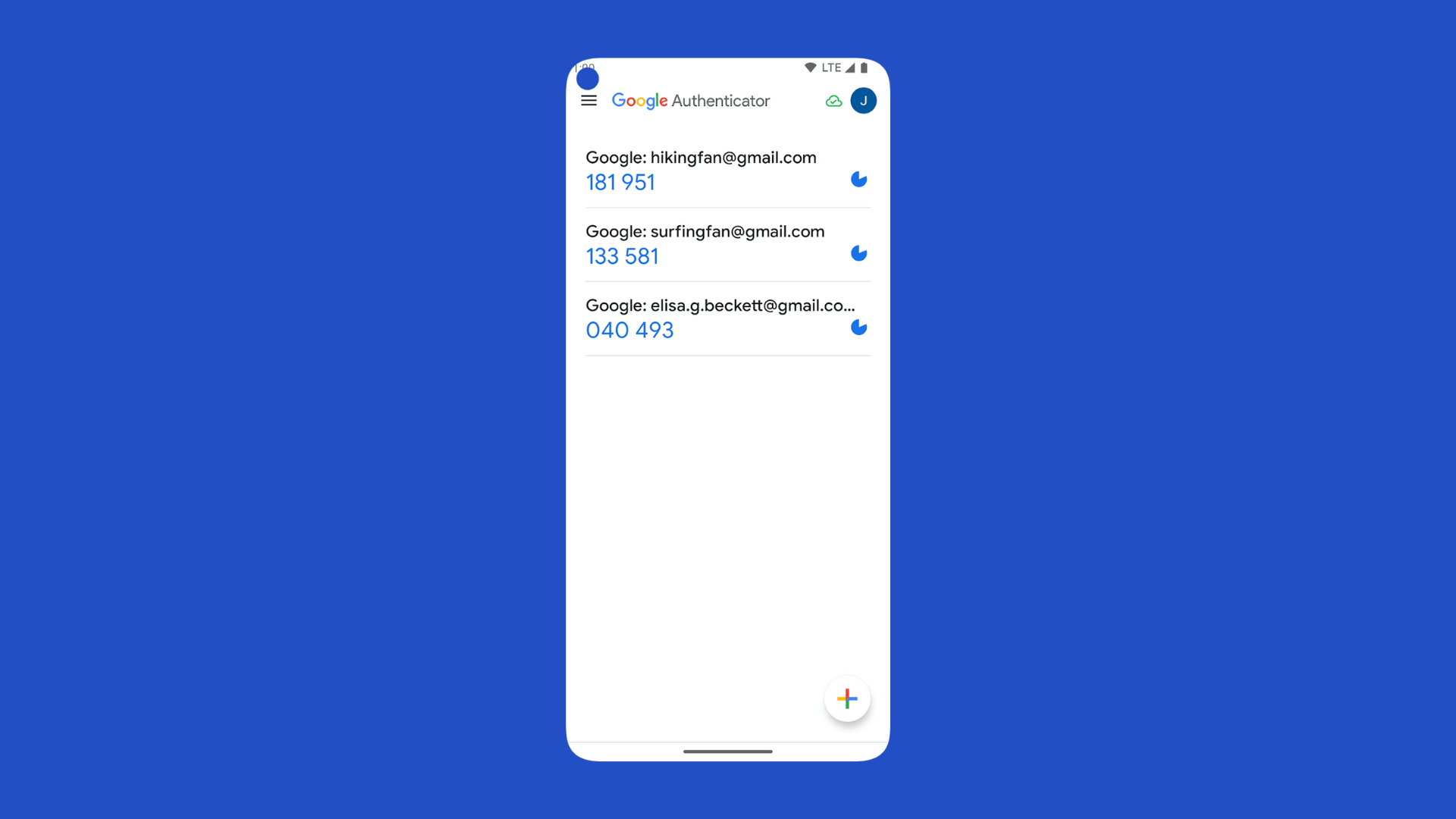
Software tokens operate within authenticator apps, like the Google Authenticator App, generating time-limited codes to verify the user’s digital identity. They offer a more scalable and cost-effective alternative to hardware tokens without the need for users to carry an extra device.
However, they can be susceptible to malware or device theft, and the user must ensure they are always charged and functional.
Third-party identity provider
Third-party identity providers allow you to log in on different websites and apps using a single account, technically acting as a bridge so you don’t have to share your actual details with each site. For example, social media sites and Google are all third-party identity providers, but they are not limited to social media.
The cons here are that you are dependent on their servers and if the third-party provider experiences downtime or security breaches, it could compromise access to all connected services.
Persistent cookies
Persistent cookies are small pieces of data stored on a user’s device to remember their login information for future visits so they don’t have to log in every time they visit a website. Unlike session cookies, which expire once you close your browser, persistent cookies remain until a set expiration date.
For example, when you select “Remember Me” on a website’s login page, it uses a persistent cookie to keep you logged in across multiple sessions. In contrast, session cookies are used to keep you logged in only for the duration of your browser session, meaning if you close the browser, you’ll need to log in again the next time.
Persistent cookies, while convenient for maintaining user sessions, pose increased security risks and privacy concerns by potentially allowing unauthorized access and tracking users’ online activities.
How does passwordless authentication work?
Understanding the public-key cryptography infrastructure
Public-key cryptography is what makes passwordless authentication possible. The premise is relatively simple – this method uses a pair of keys, a public key, which can be shared with anyone, and a private key, kept secret by the user. When data is encrypted with the public key, only the corresponding private key can decrypt it, enabling secure communication over unsecured channels.
In passwordless systems, this technology allows for secure verification of a user’s identity without transmitting a password. For instance, when you log in, the server sends a challenge encrypted with your public key; only your device, holding the private key, can decrypt it and respond correctly, proving your identity without sending sensitive information.
This cryptographic method’s top advantages are, no doubt, high security and non-repudiation. Non-repudiation prevents someone from denying the authenticity of their signature on a document, as each digital signature is unique and verifiable. Public-key infrastructure (PKI) ensures that digital identities are protected, making it a powerful tool in the development of secure, passwordless authentication methods that are both reliable and user-friendly.
Ownership factors vs inherence factors
Ownership factors refer to something the user possesses, serving as a key to access services or devices. Examples include security tokens, which generate time-sensitive codes; mobile devices, which receive notifications or codes for login approval; and smart cards, which require physical insertion into a reader or proximity for authentication.
On the other hand, inherence factors are based on the unique personal characteristics of the user like biometric identifiers. These include:
- Fingerprints, which are used on many smartphones for secure unlocking and payments.
- Facial recognition, which maps and verifies the unique contours and features of the user’s face.
- Voice patterns, which recognize the unique sound and intonation of the user’s voice.
Understanding the typical passwordless registration flow

- Registration request: The process begins when the user expresses interest by clicking a “Sign Up” button or entering their email address or phone number.
- Authentication factor selection: The user is then prompted to choose an authentication method from the options provided, such as mobile notifications or biometrics.
- Key generation: Behind the scenes, the system generates a unique pair of cryptographic keys. The user’s role here is minimal, as the system securely handles the creation and storage of these keys, laying the foundation for secure communications.
- Authentication challenge: A secure challenge is sent to the user’s chosen authentication factor. This could be a notification on a mobile device that the user needs to approve or a request for biometric verification.
- User authentication: The user confirms their identity by responding to the challenge. This step is crucial for verifying the user’s ownership of the authentication factor.
- Challenge response: The user’s device encrypts the response to the challenge and sends it back to the system within a specific timeframe.
- Response validation: Finally, the system validates the encrypted response against the original challenge. If the response matches, the registration is successful. In case of a mismatch, the system may request the user to attempt the process again or provide alternative verification methods, ensuring a balance between security and user accessibility.
Gravatar: Making passwordless authentication more accessible to website owners
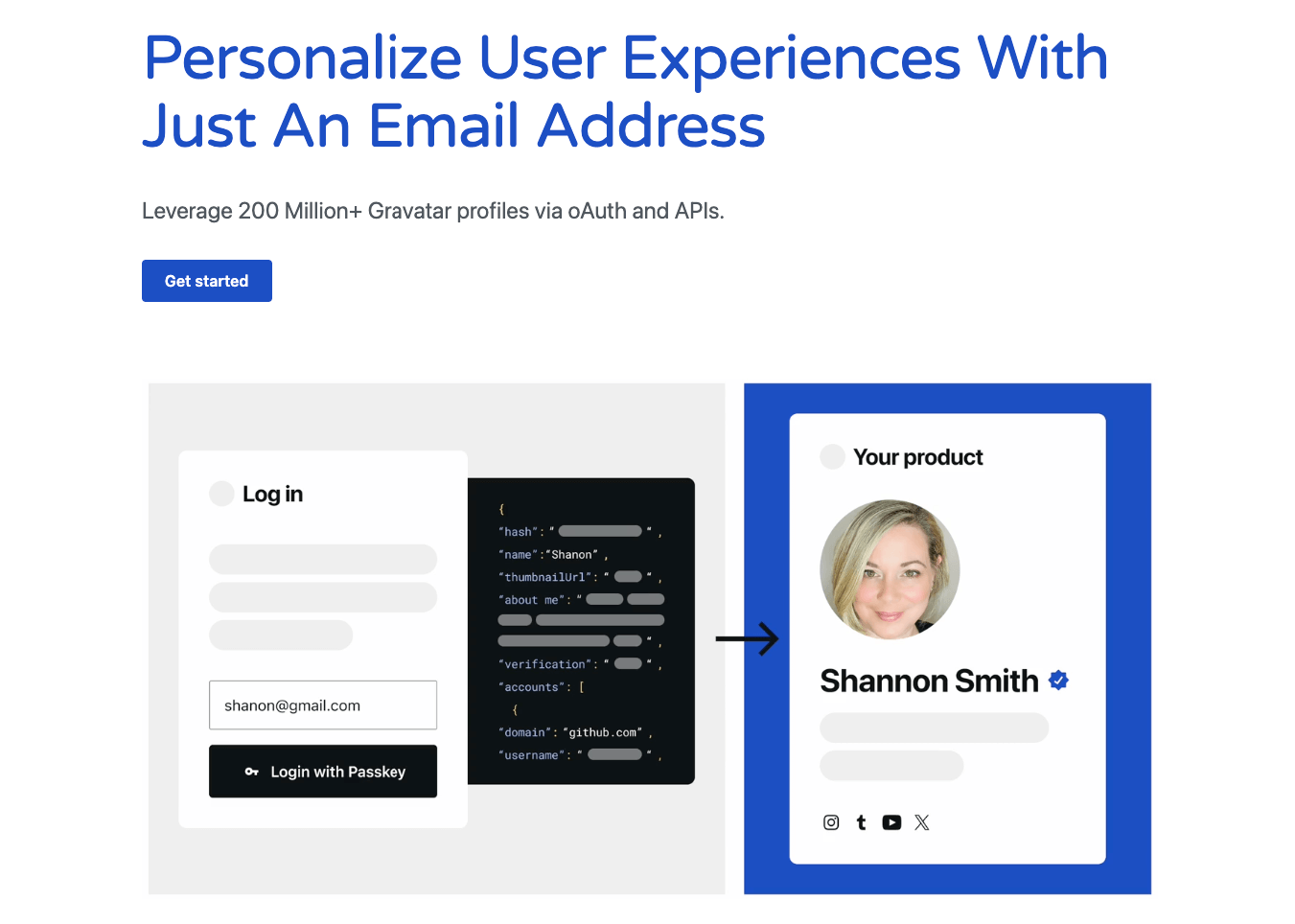
Passwordless authentication is simplifying online experiences and offering users a faster and more convenient way to log in to different websites and services. At Gravatar, our mission is to build a more open, connected, and user-centric internet, so we’re big advocates of revolutionizing online authentication by eliminating passwords altogether.
If you’re a website or web app owner looking to offer a more streamlined and secure login experience by implementing passwordless authentication, then you should consider going the extra mile by implementing a digital identity management system that allows users to seamlessly set up profiles when they sign up.
This is the essence of Gravatar – a platform that allows users to create profiles based on their email addresses. When a user with a Gravatar profile signs up with your website, you’ll be able to pull that user’s data to automatically generate their profile information, provided they have given you access. This simplicity offers a dual advantage: users enjoy a streamlined onboarding process, while website owners can provide a more engaging and frictionless experience. This also increases security further because no user data needs to be stored from your end.
Integrate your website with Gravatar to make the Internet a safer place for everyone!
 Gravatar Blog
You must be logged in to post a comment.